
Editorial guide • Payal Graphics • 11 October 2026
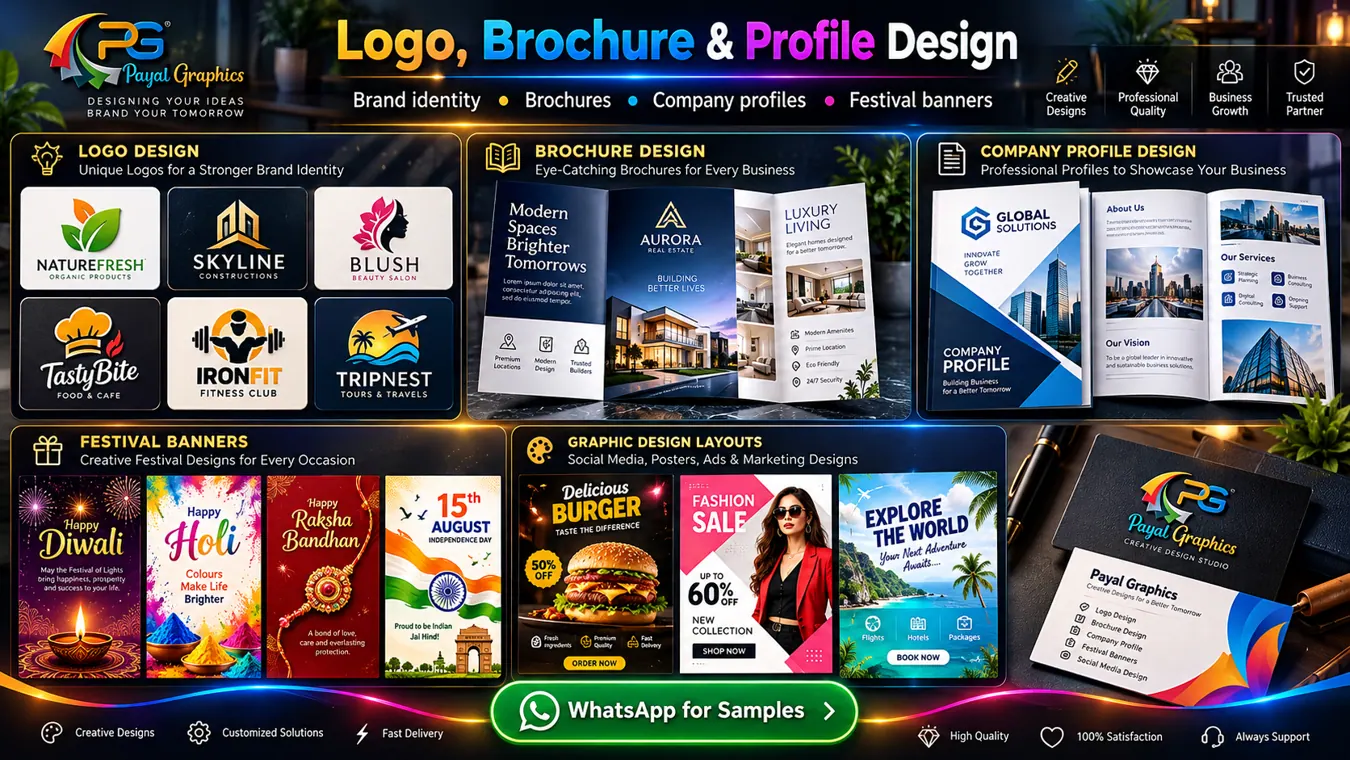
For retail shops and boutiques, audiences often look for new arrivals, apparel, product launches and store promotions. This guide focuses on a practical creative decision rather than promising that any one video, reel or banner will automatically generate sales. The intended viewers include local shoppers and online customers, so the message, images and next steps should fit that real context.
Put the offer, image hierarchy and enquiry details before extra decoration. The best format will depend on what your audience is deciding, the material you already have and where the creative will appear.
Give each post one clear job
A banner can announce a service, invite enquiries, explain a new offer or share a festival greeting. Choose one objective instead of including every message and phone number in tiny text.
Applied to Retail Shops and Boutiques, that could mean explaining product name, sizes, availability and order contact while using imagery or narration related to new arrivals, apparel, product launches and store promotions. Consider whether the viewer is seeing your company for the first time or already knows the service.
Set the hierarchy before adding effects
Use one readable headline, one strong subject image, supporting text only where necessary and a distinct CTA. Contrast matters: black or dark text on pale surfaces, and bright text on deep dark surfaces.
Applied to Retail Shops and Boutiques, that could mean explaining product name, sizes, availability and order contact while using imagery or narration related to new arrivals, apparel, product launches and store promotions. Consider whether the viewer is seeing your company for the first time or already knows the service.
Check sizes and text margins
Feed posts, reels covers, stories and WhatsApp Status use different crops. Build a master design then recompose the content for each size instead of scaling indiscriminately.
Applied to Retail Shops and Boutiques, that could mean explaining product name, sizes, availability and order contact while using imagery or narration related to new arrivals, apparel, product launches and store promotions. Consider whether the viewer is seeing your company for the first time or already knows the service.
A practical checklist for your next creative
- Use one primary message per design.
- Maintain a readable contrast ratio.
- Use original or licensed visuals.
- Export separately for feeds and stories.
- Verify every date, address and phone number.
Suggested call-to-action for Retail Shops and Boutiques
If the viewer needs more details, use a clear action such as product name, sizes, availability and order contact. That is more useful than asking people to “contact us” without explaining what they can request.
Before creating the asset, ask what evidence or original content can support it. If the subject involves new arrivals, apparel, product launches and store promotions, the finished result should distinguish visual inspiration from confirmed information. Accurate stock and price display. That review matters more than flashy visual transitions.
When to get design support
Send the business name, logo, images, message, audience, language, preferred dimensions and a reference you like. A designer can help turn that information into a storyboard, poster system or PDF layout with consistent hierarchy and a clear next step. Payal Graphics can discuss concepts and deliverables before you commission the final work.